
Nike Equipment Builder — Wear it, Play it
Empowering athletes and teams with a responsive mobile and web customization platform to design personalized, high-performance sports equipment.
Reimagining sports gear personalization. The Nike way.
Nike, founded in 1964 by Bill Bowerman and Phil Knight, is a global leader in athletic gear. Known for its "Swoosh" logo and "Just Do It" slogan, Nike has revolutionized sportswear with innovative products. The brand empowers athletes by offering customizable sports equipment, including gloves, chest protectors, and leg guards, designed to enhance performance.
Beyond sports, Nike has become a major influence in streetwear and pop culture, continuously shaping the athletic and fashion landscape worldwide.
Nike needs a responsive mobile and web application, "Nike Equipment Builder," that allows athletes to customize gear like gloves, chest protectors, and leg guards. The app should support both individual and team customizations, enabling personalized designs, while streamlining Nike’s product customization process, improving efficiency and the overall user experience.
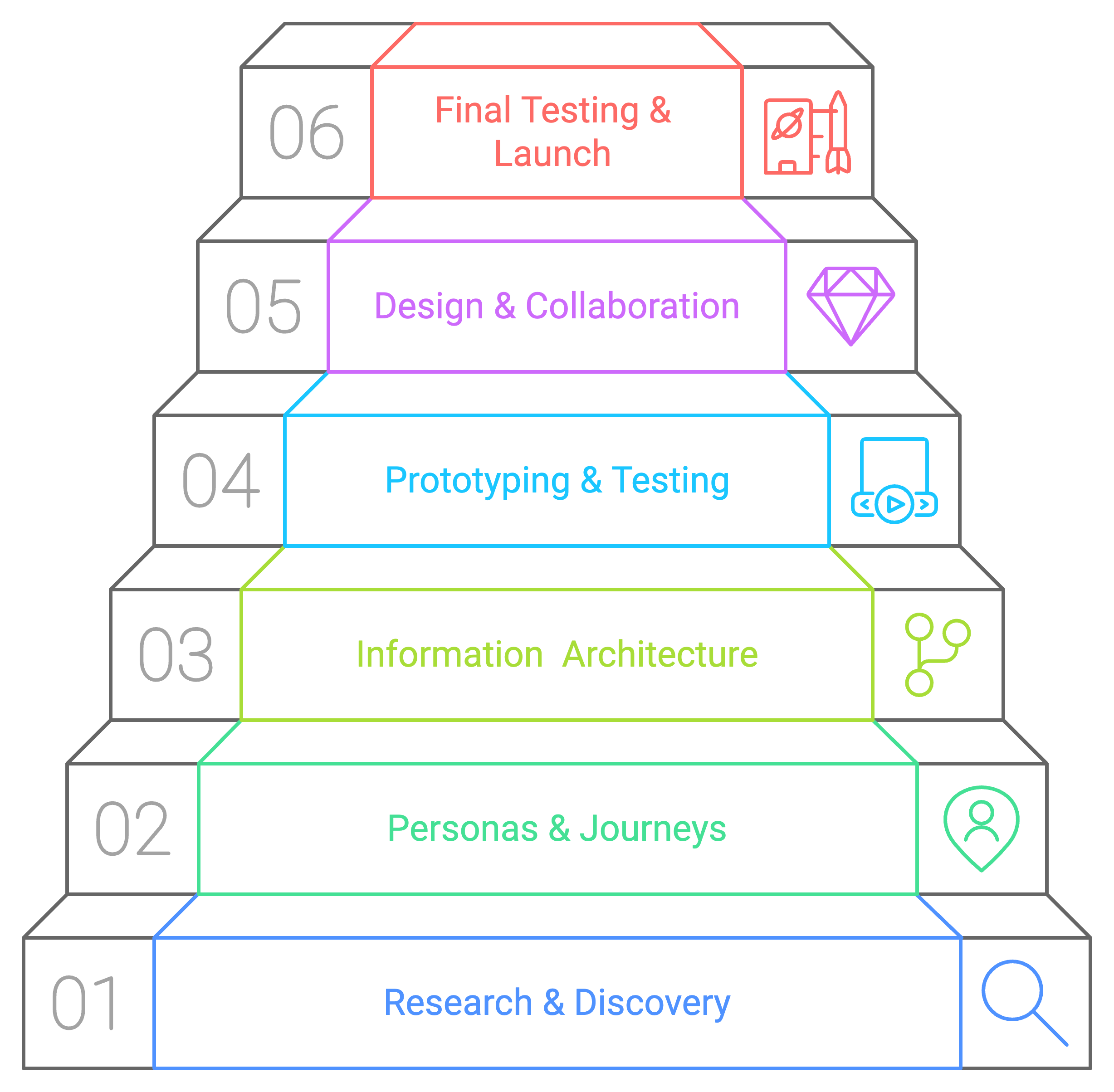
I led the complete design process for the Nike Equipment Builder app, which included research, UX design, UI design, design system creation, presentations, and handoff, all within a tight 3-month deadline. Collaborated closely with Nike's administration team, helping them visualize and refine features.
I remained deeply involved throughout development, guiding the engineering team to stay true to the designs and ensuring the final product met the intended outcome.
Immersive user research. Real insights.
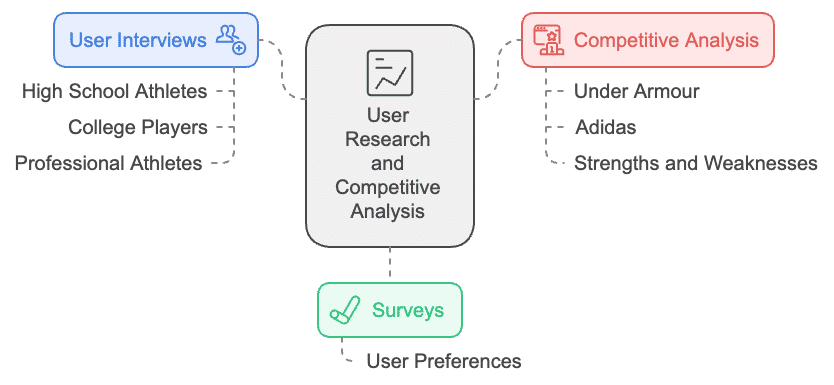
The first step was to understand Nike's audience. I began by conducting user research interviewing potential users, such as high school athletes, college players, and professional athletes. I performed surveys to collect quantitative data, and conducted competitive analysis of key competitors like Under Armour and Adidas, identifying opportunities for Nike to stand out.
Few market players offer equipment customization, and existing options are highly limited in scope.
Customizing athletic gear is traditionally very expensive, isolating youth and amateur players.
Creating identical designs for team gear is challenging and difficult to coordinate.
Once an order is placed, the customization cannot be edited or reviewed, leading to buyer anxiety.
Competitors' design editors are difficult to understand, cluttered, and not user-friendly.
High schools and colleges hosting baseball and football programs seek easy-to-use customization tools.
Understanding the target athletes.
To guide the layout and interaction choices, I structured three main user personas representing key segments: professional athletes, sports coaches, and youth parents.
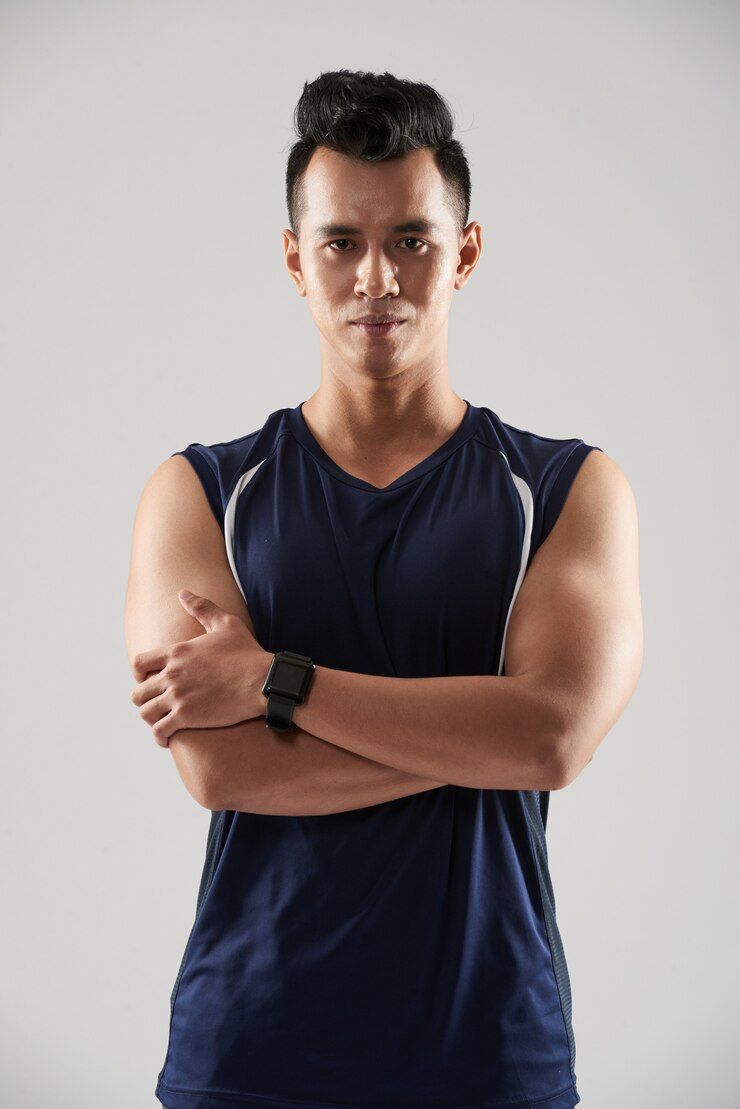
- Customize gear for personal/team use
- Ensure comfort & performance
- Access customization on-the-go
- Limited options from retailers
- Time-consuming processes
John is preparing for off-season training and needs customized gloves and chest protectors. He opens the app, designs his gear, and places the order.
- Order customized gear for entire team
- Stay within program budget
- Coordinate player styles easily
- Difficulty tracking team orders
- Unable to make last-minute edits
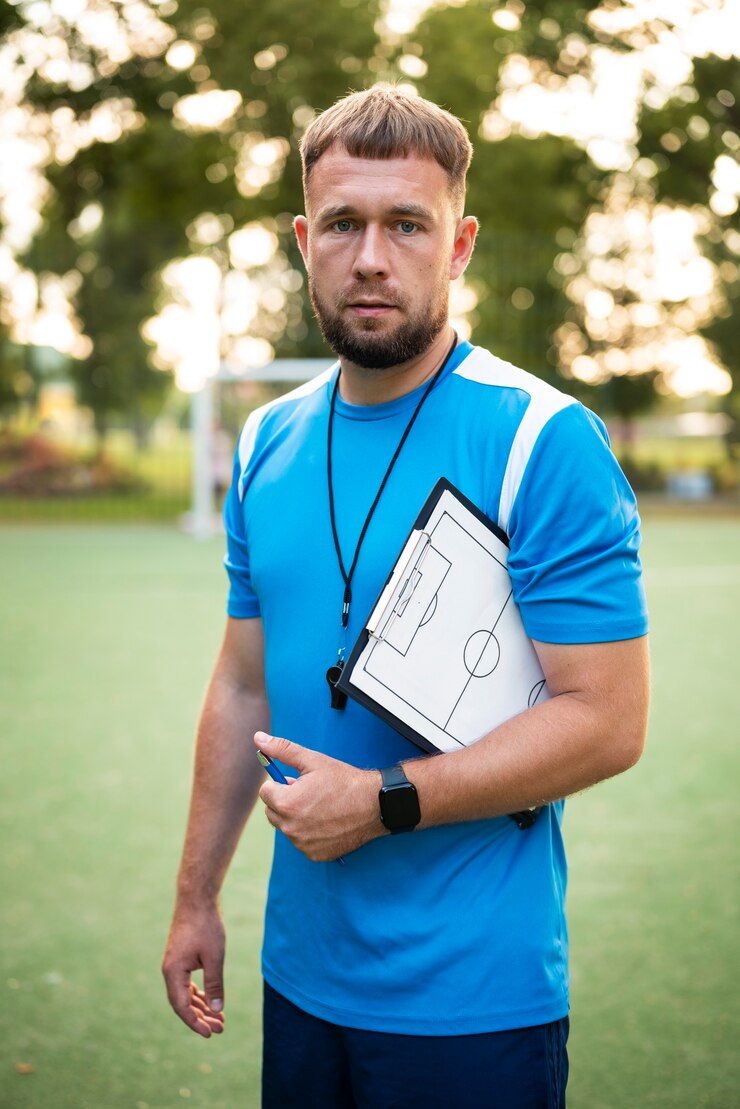
Sarah needs softball gear for her team. She uses the web editor to create team-aligned designs while adapting sizes and colors for individual players.

- Purchase personalized gear for his child
- Functional and unique designs
- Easy, straightforward browse flow
- Overwhelmed by complex choices
- Cannot preview final gear design
Mark buys custom gloves for his son. The simple step-by-step editor lets him select team colors, add initials, and preview the 3D model confidently.
Building the foundation of the editor.
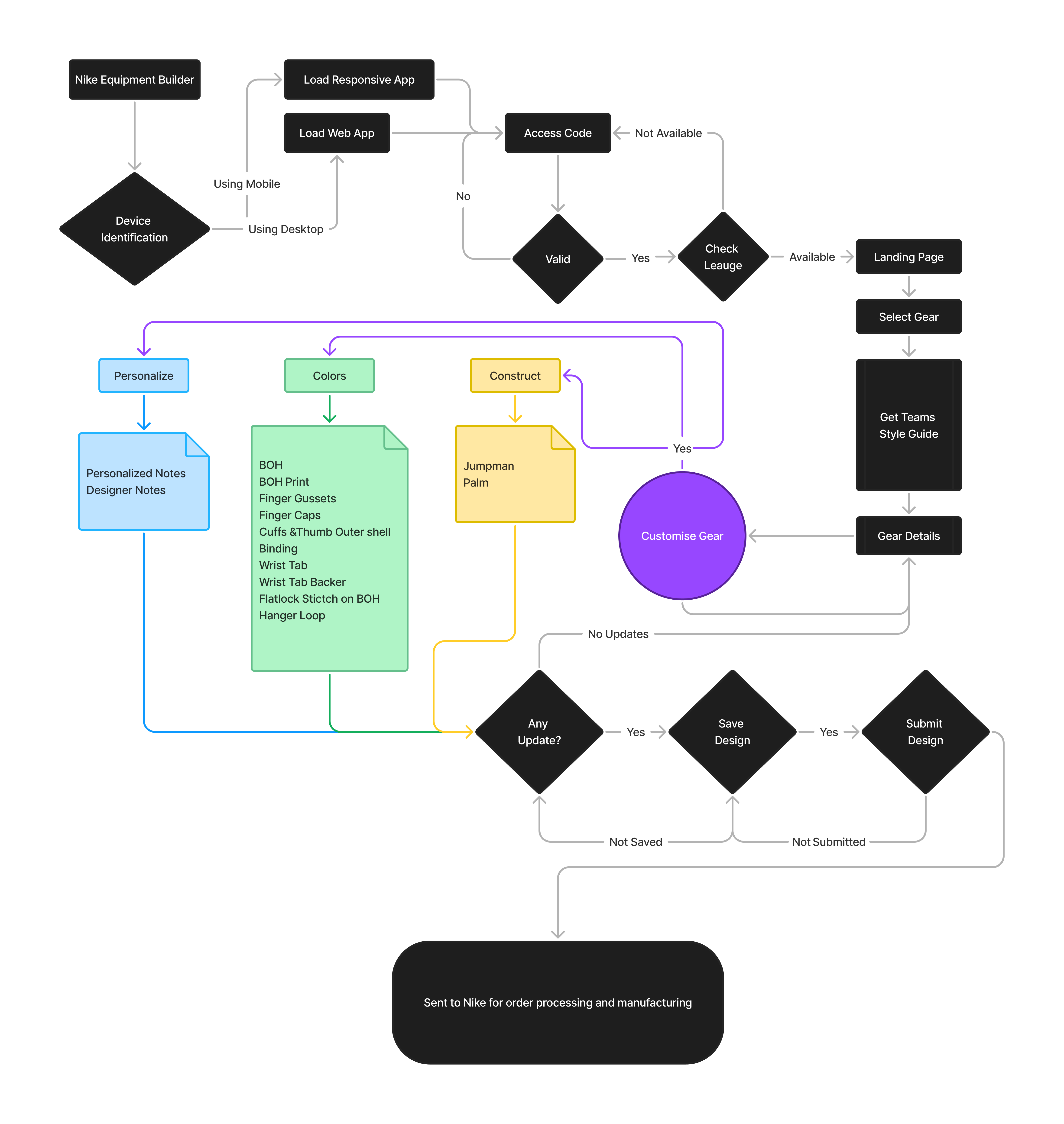
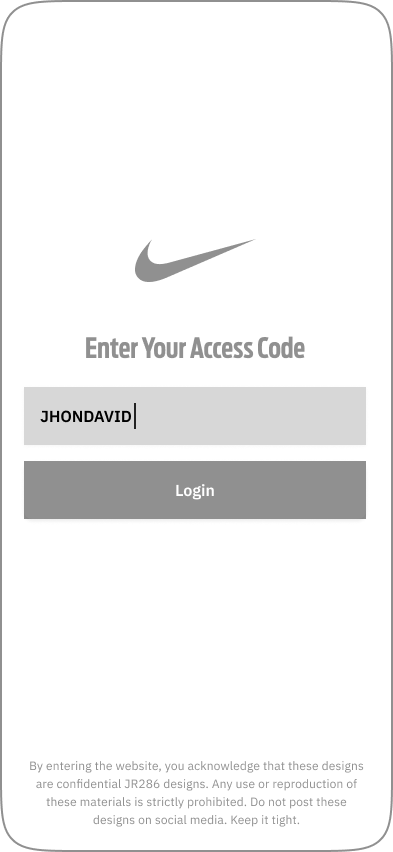
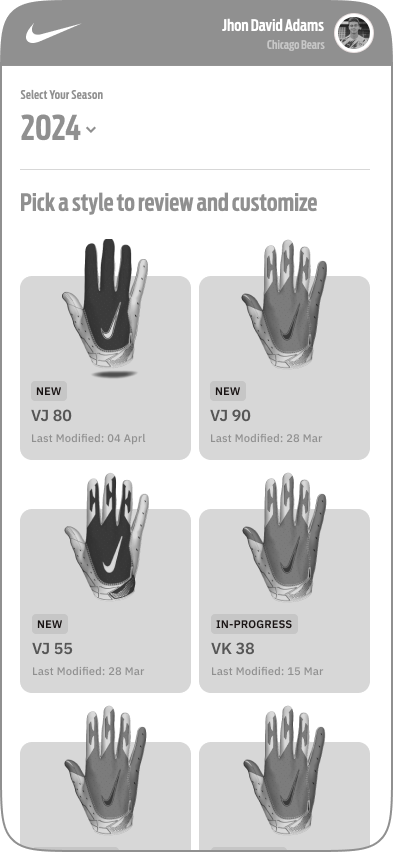
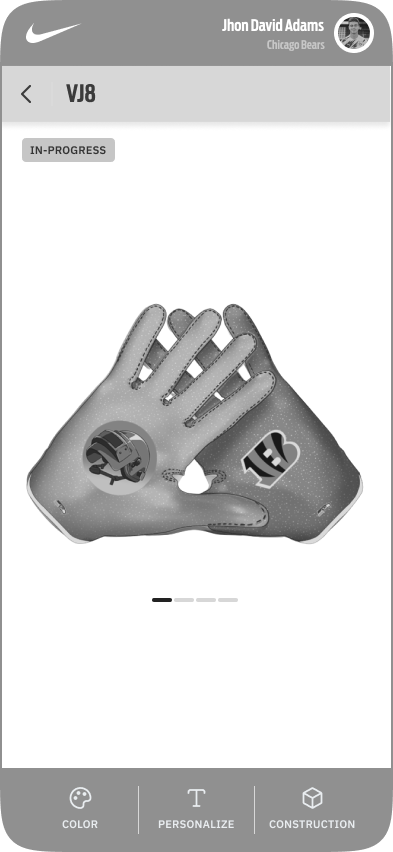
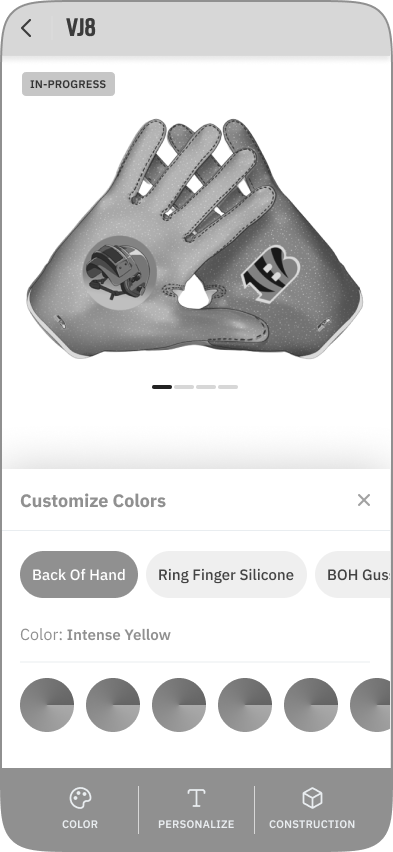
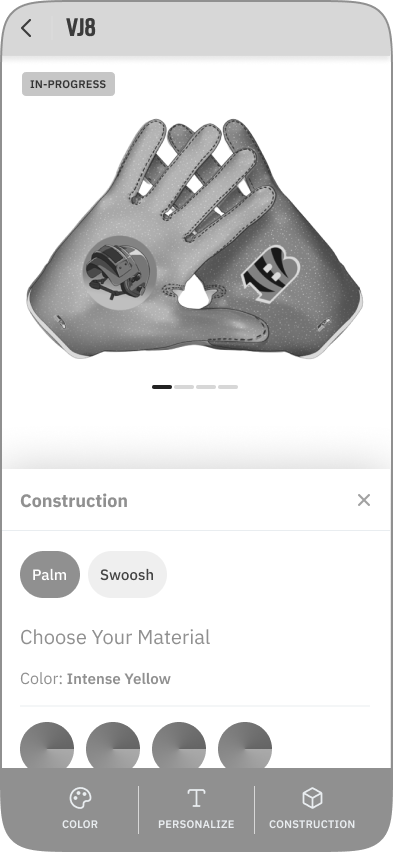
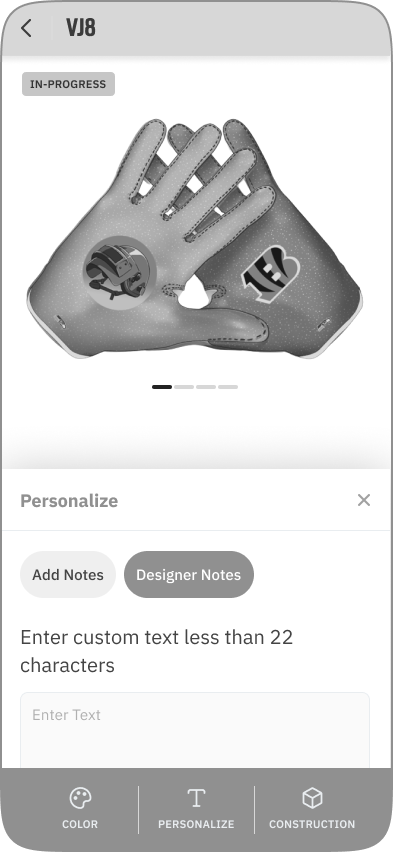
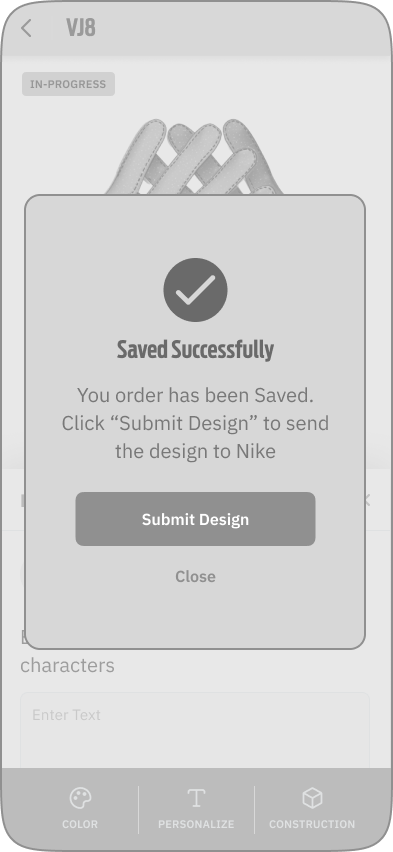
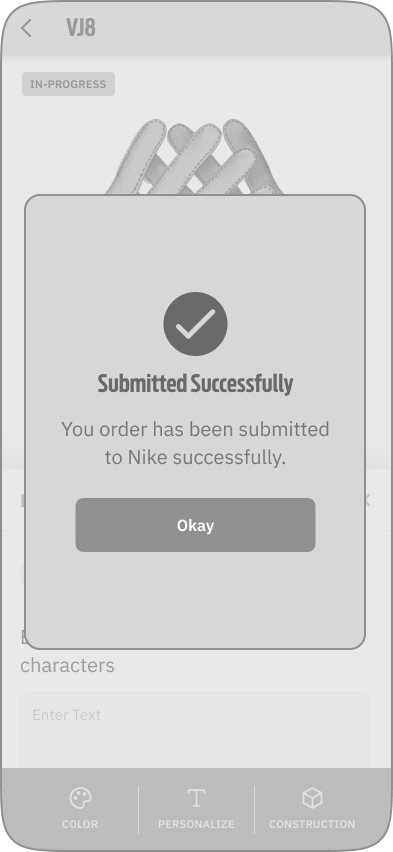
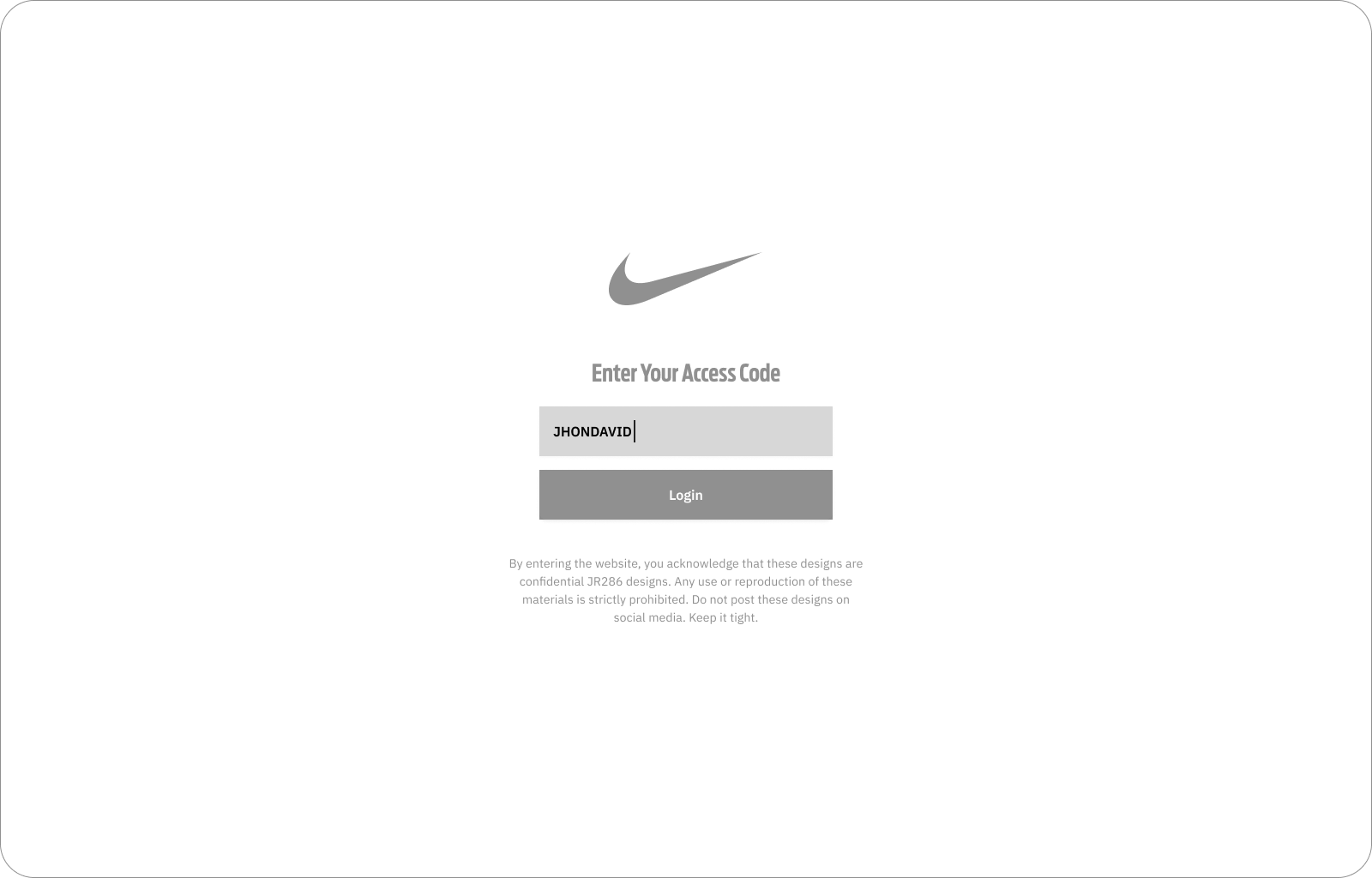
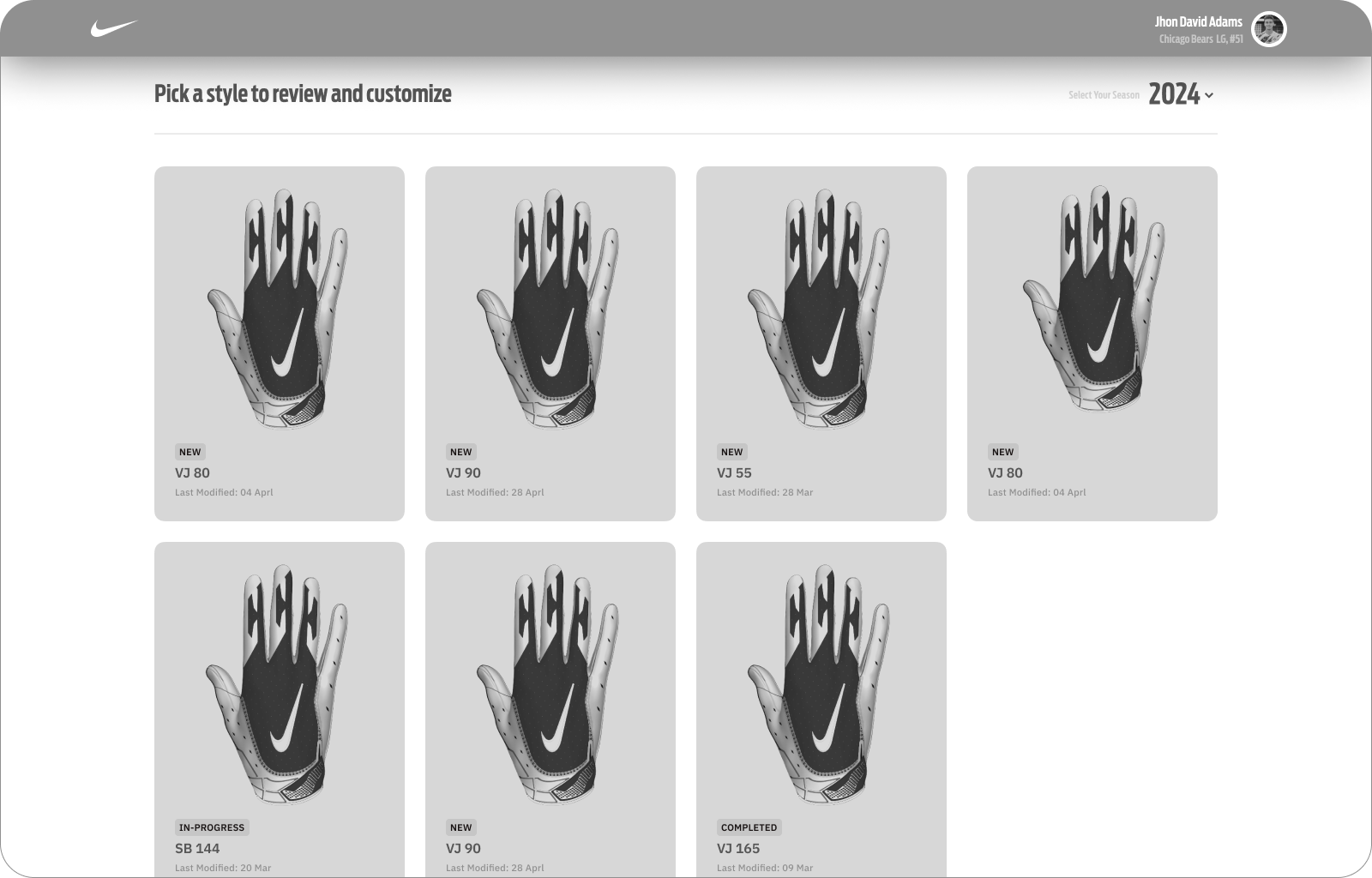
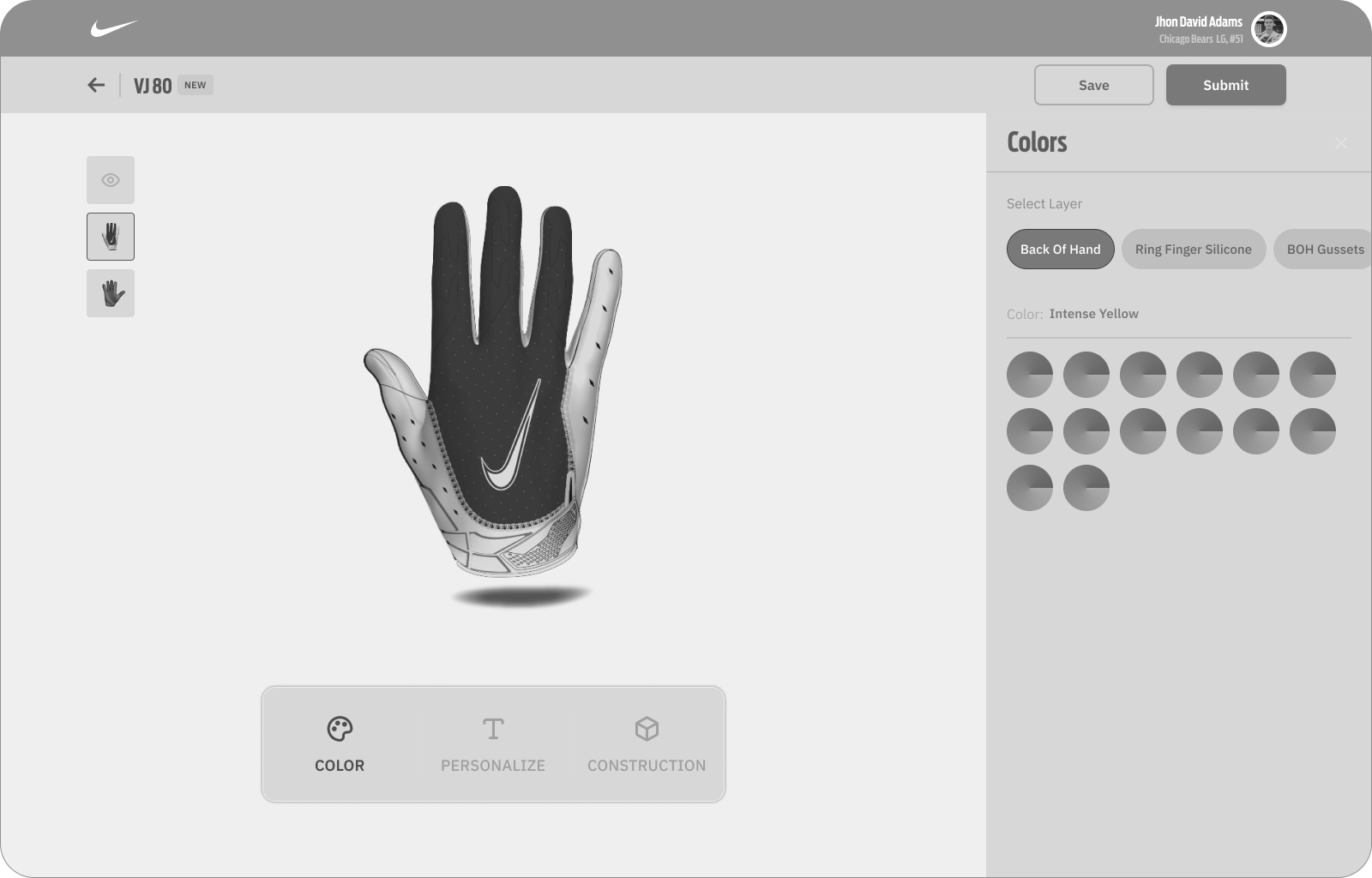
The app's Information Architecture (IA) was organized to ensure quick product discovery and step-by-step custom builds. Low-fidelity wireframes in Figma and Sketch mapped out key user flows, optimizing screen real estate for real-time 3D gear rendering.



A foundation for consistency.
To scale the digital product successfully, I built a dedicated design system containing over 500 components, typography specifications, and color stacks configured for dark and light modes.
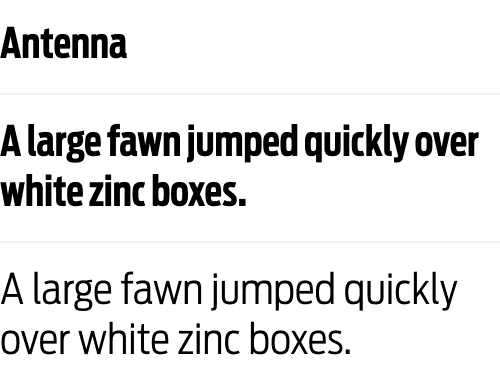
Following thorough research, I chose the "Antenna" font family. This typeface loads extremely fast on the web and conveys a modern feeling of sportiness, speed, and precision.
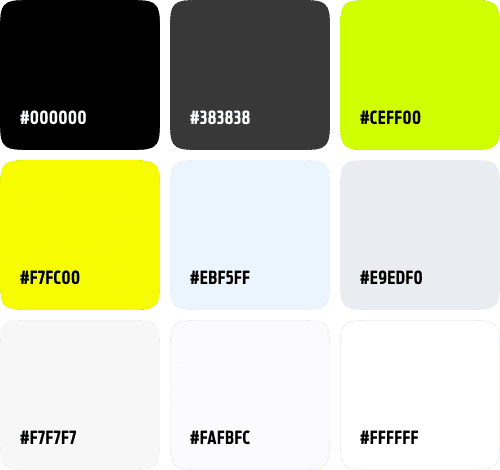
We used Nike's iconic dark background as the foundational interface theme. Accompanying this deep palette, we introduced three high-contrast active primary accents for styling selections.
The final interface.
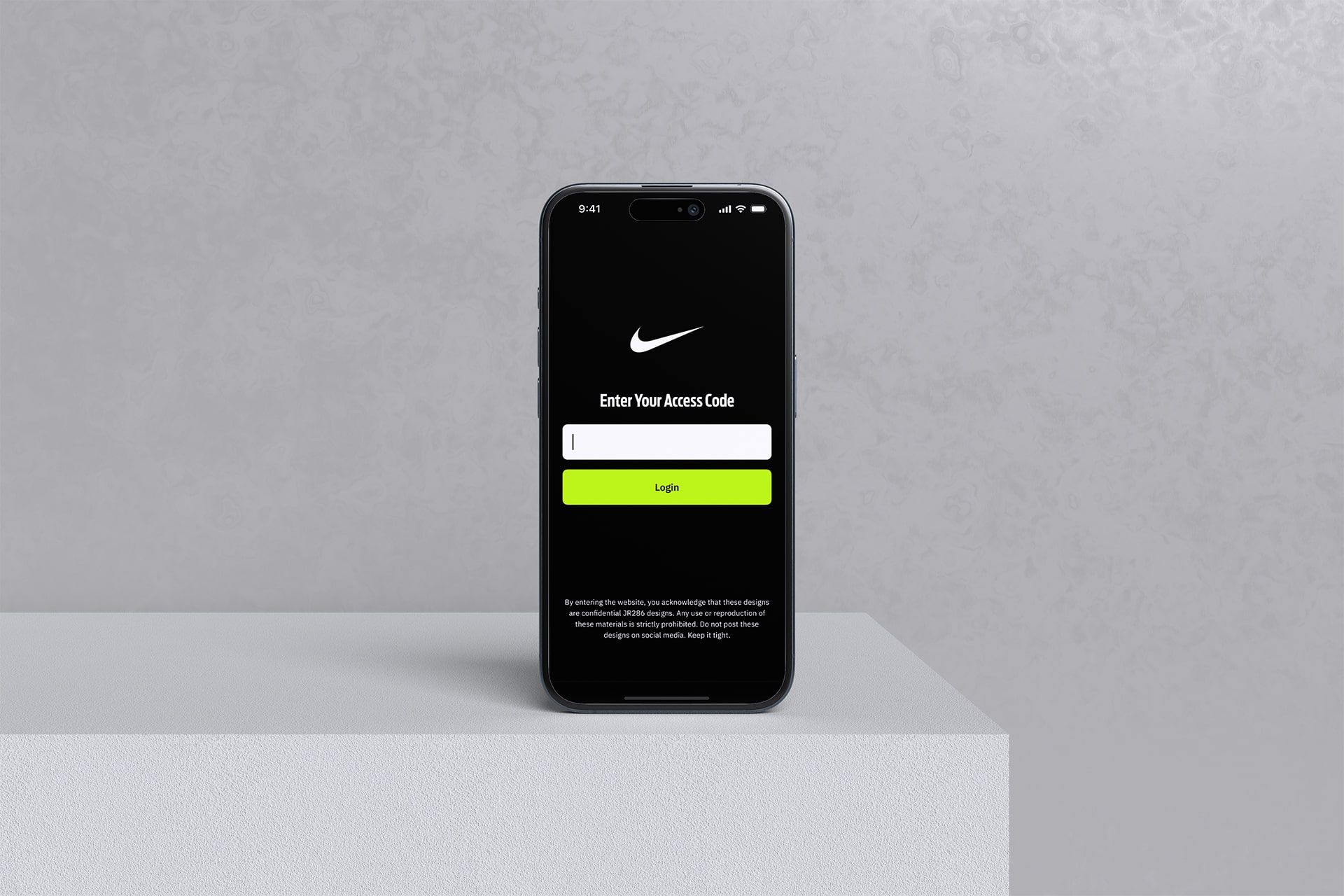
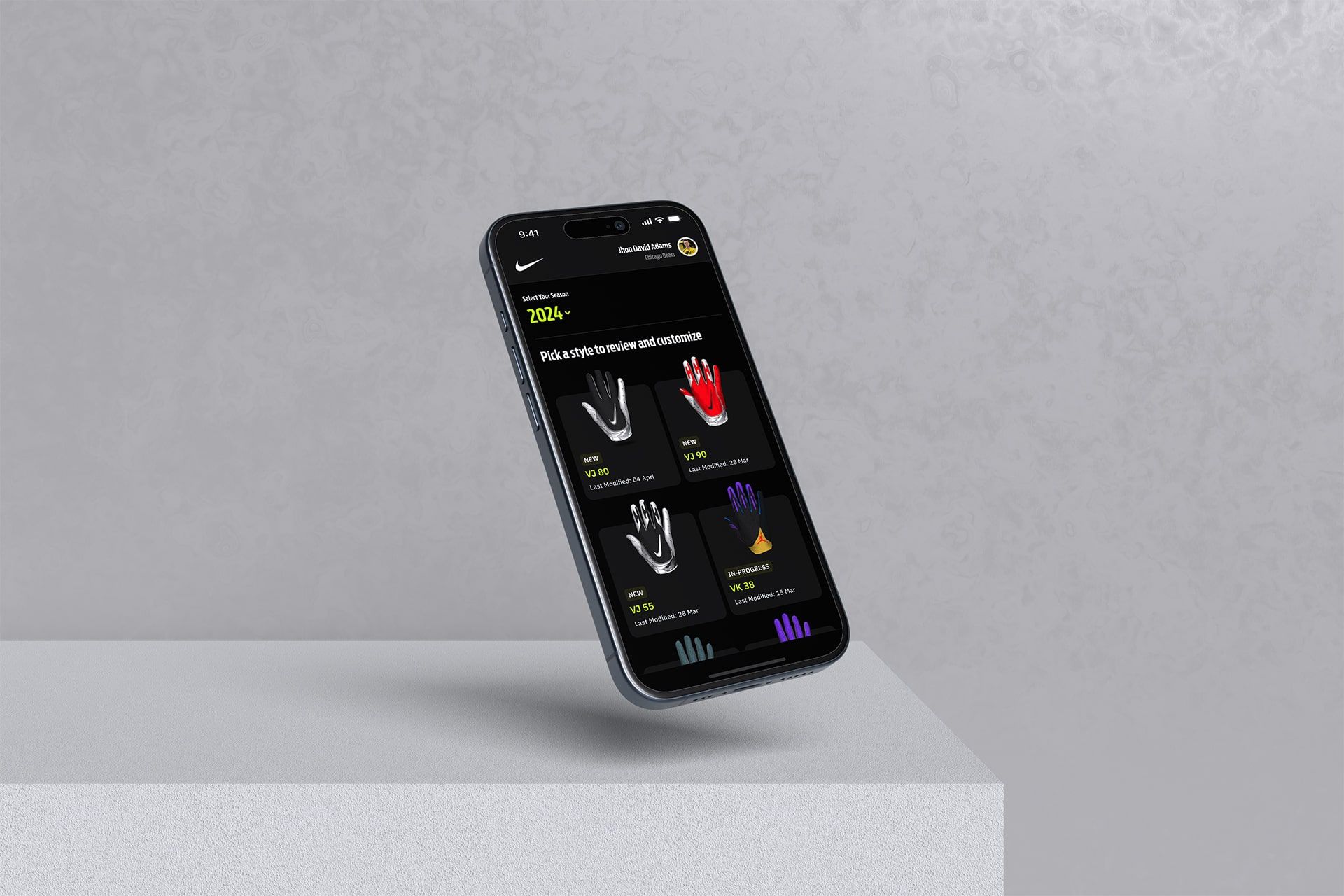
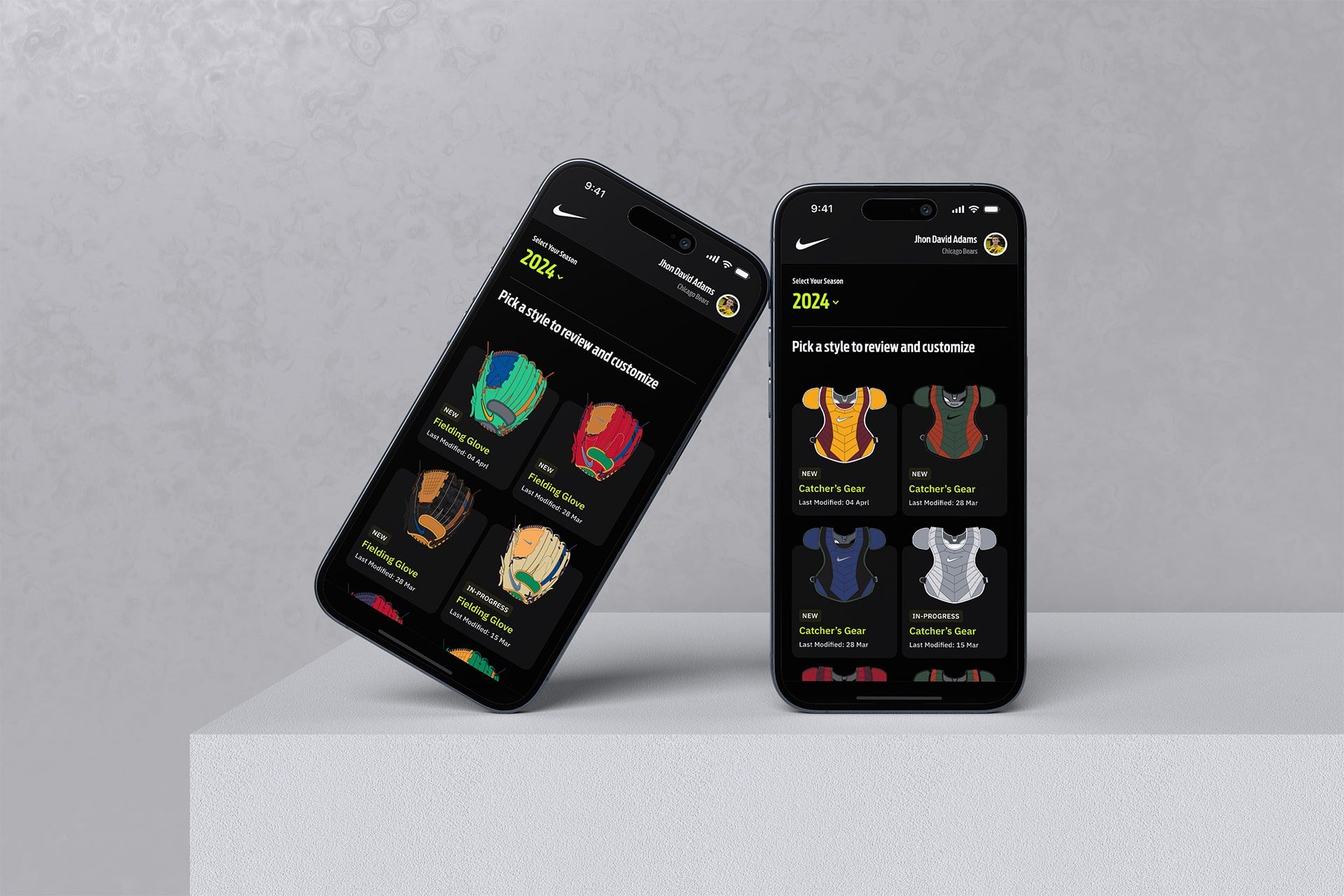
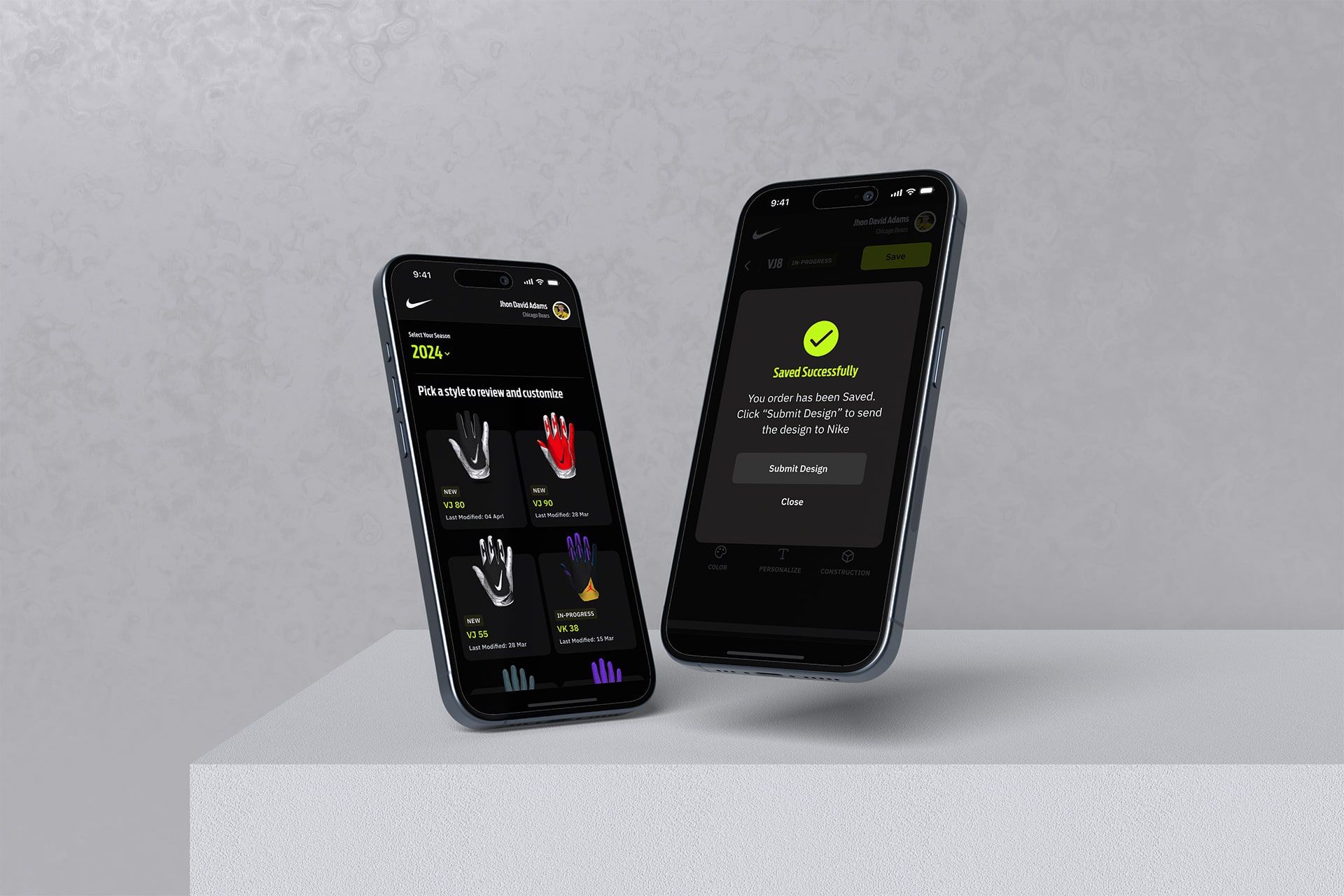
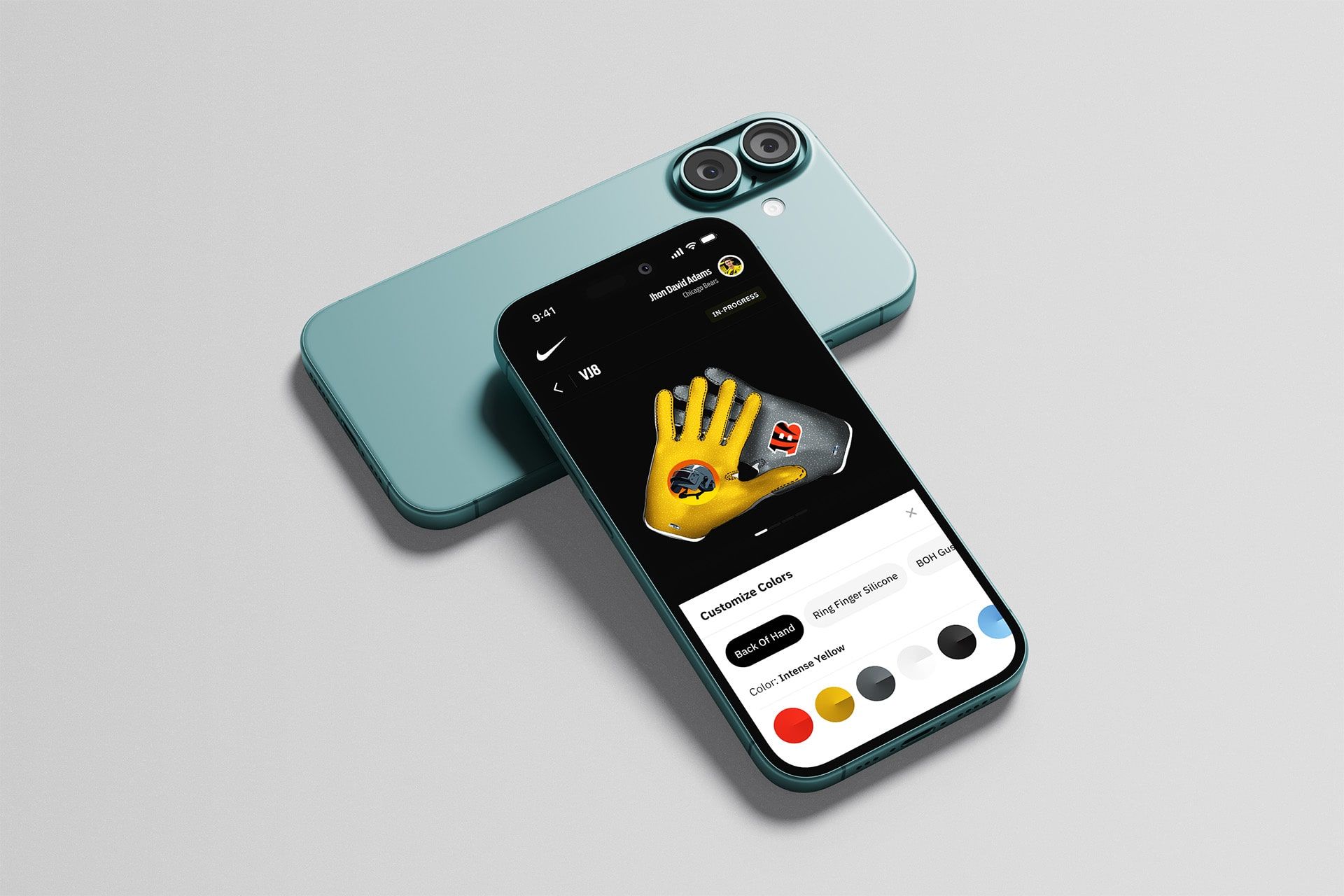
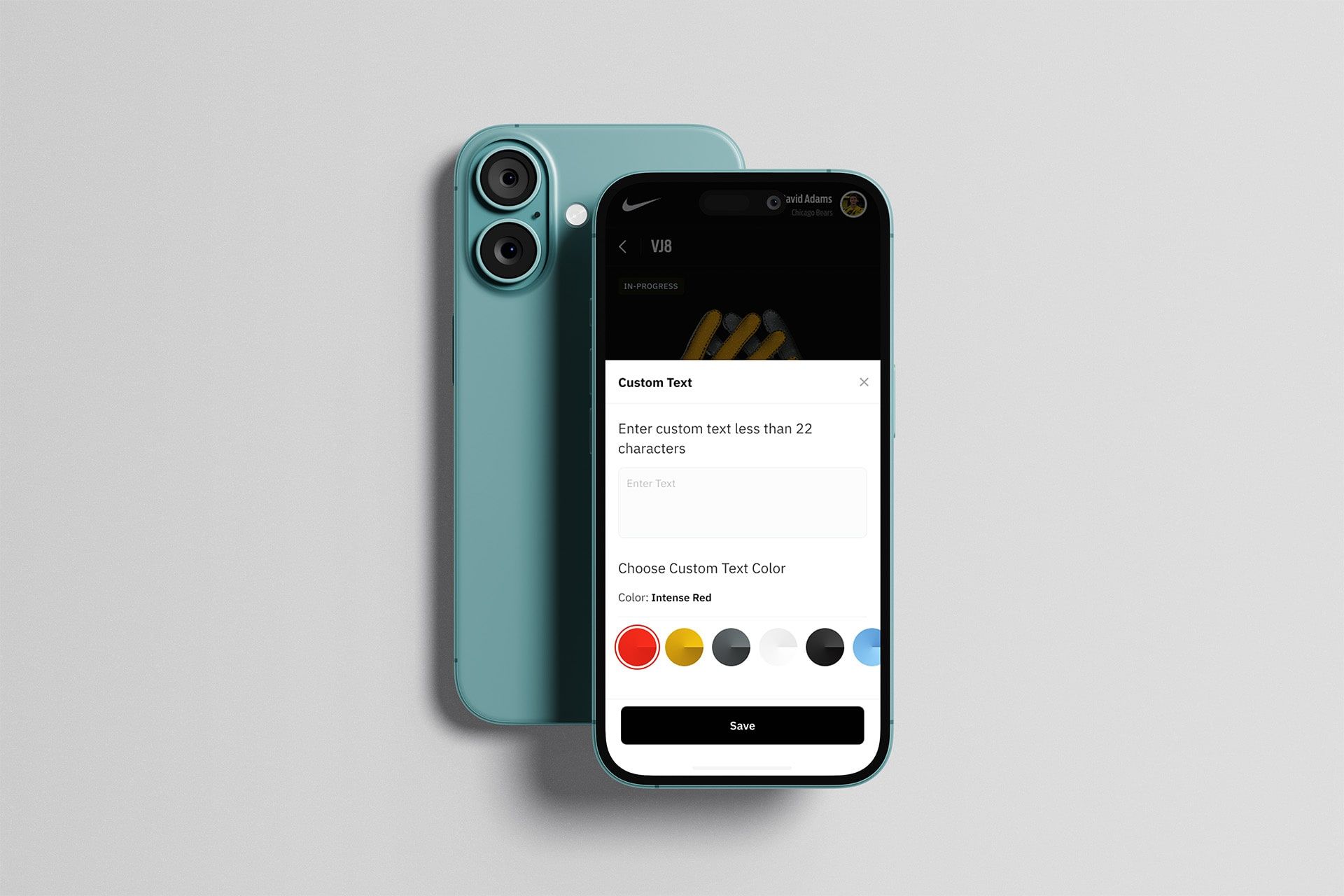
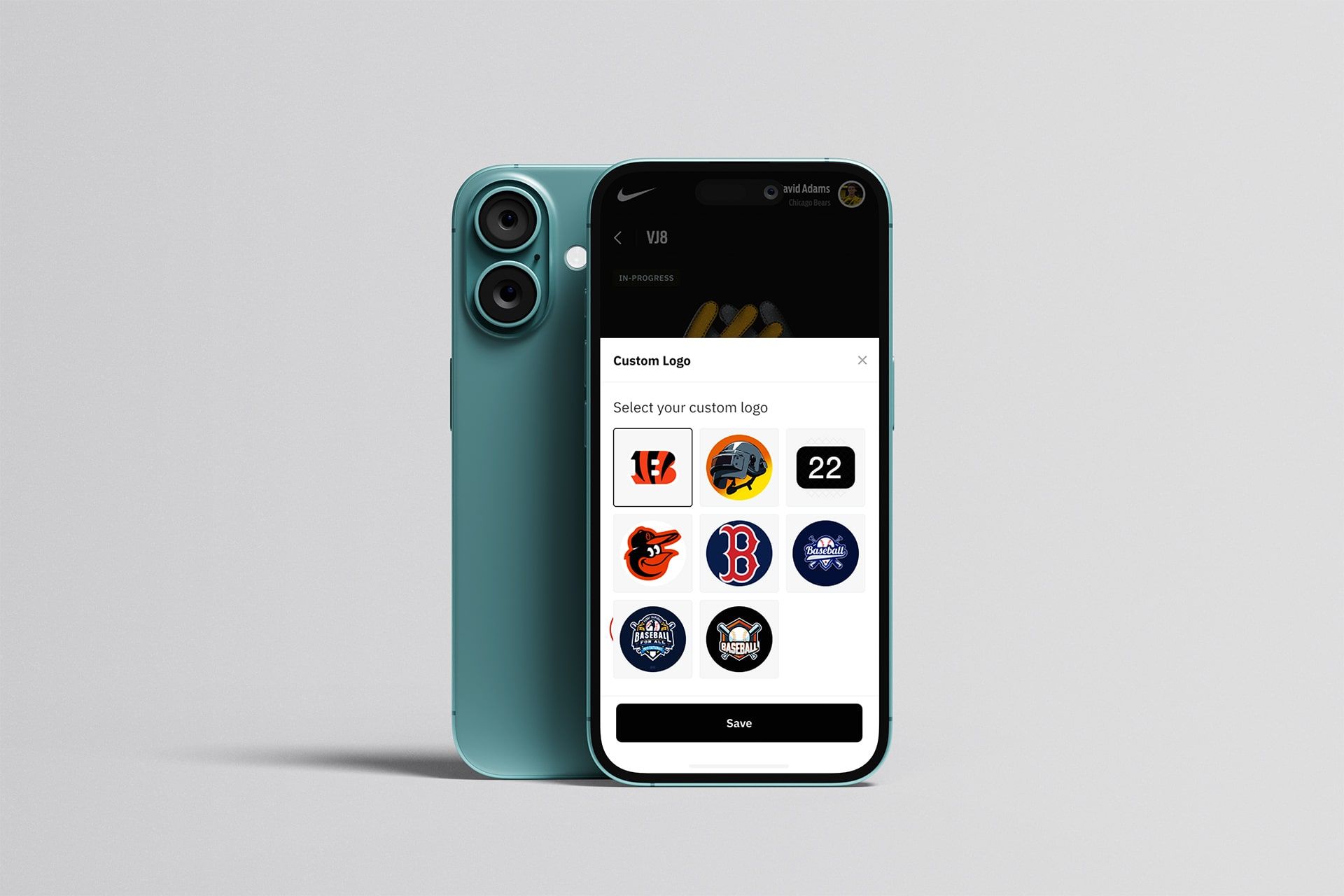
With all research findings, wireframes, and design system components finalized, I created high-fidelity mockups starting with a mobile-first responsive layout to scale seamlessly up to desktop.
Building team alignment. Delivering quality.
Collaboration played a vital role in keeping this project within schedule. Working alongside product management and development teams, we conducted three weekly syncs and one design review directly with Nike administrators to align and iterate quickly.
 Google Meet
 Jira
Jira
 Confluence
 Miro
Miro
 Dovetail
"The Nike Equipment Builder has been one of the most rewarding projects I've worked on. Collaborating with an iconic brand like Nike brought immense motivation to every step of my design process. The application is now live and being used by countless athletes globally to customize their gear."
Let's build something extraordinary
Currently open to new opportunities and exciting freelance projects.